Accessibility & Controls
A long list of switches the developer published before launch
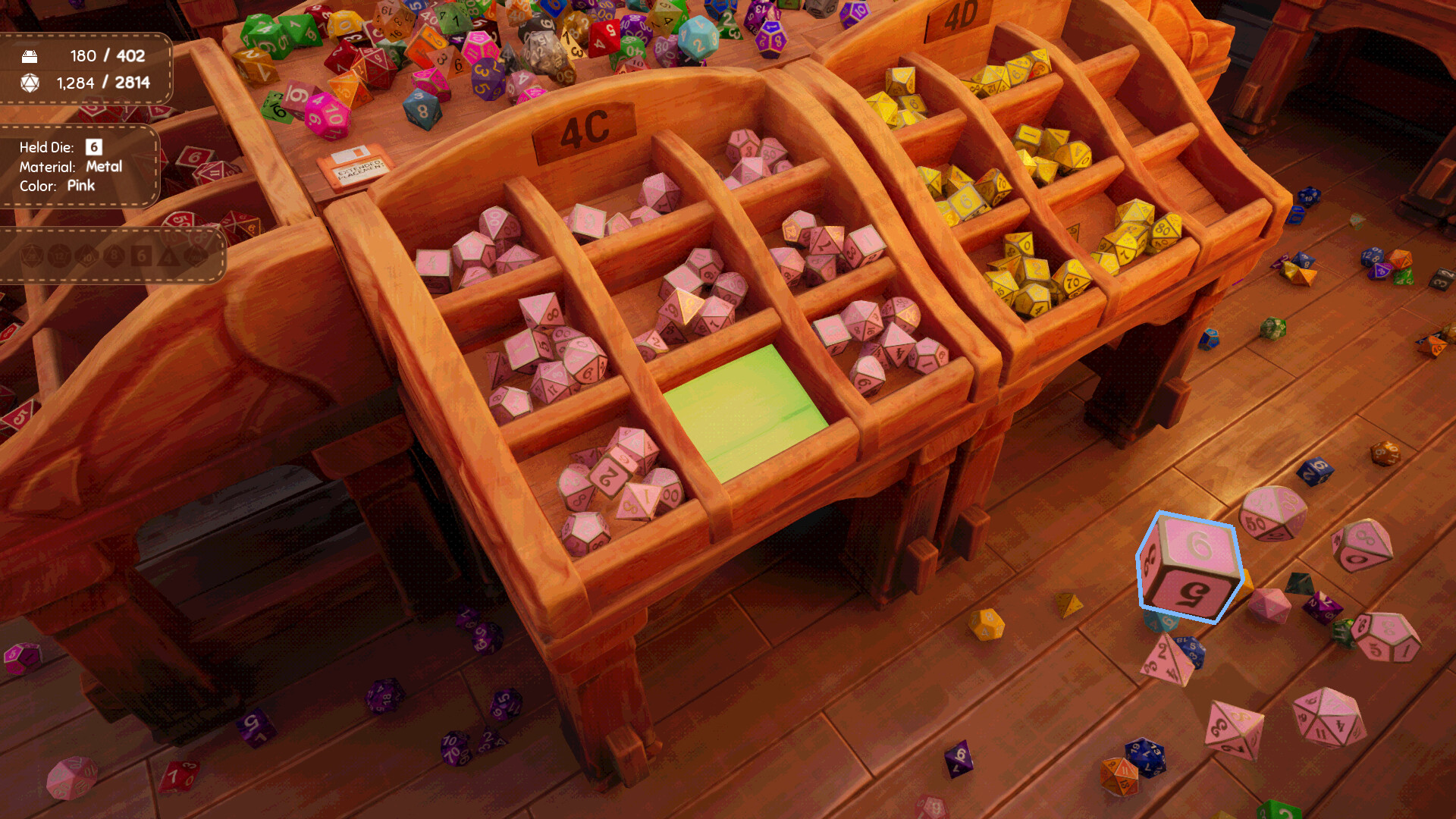
The accessibility list is unusually specific for a small indie release, and it was published in full before launch rather than discovered by players afterwards. It covers adjustable field of view, optional head bob that is off by default, a motion blur toggle, keyboard and controller rebinding, inverted controls, colour-blind options, a simplified UI toggle, and a toggle for dice rotation in your inventory.
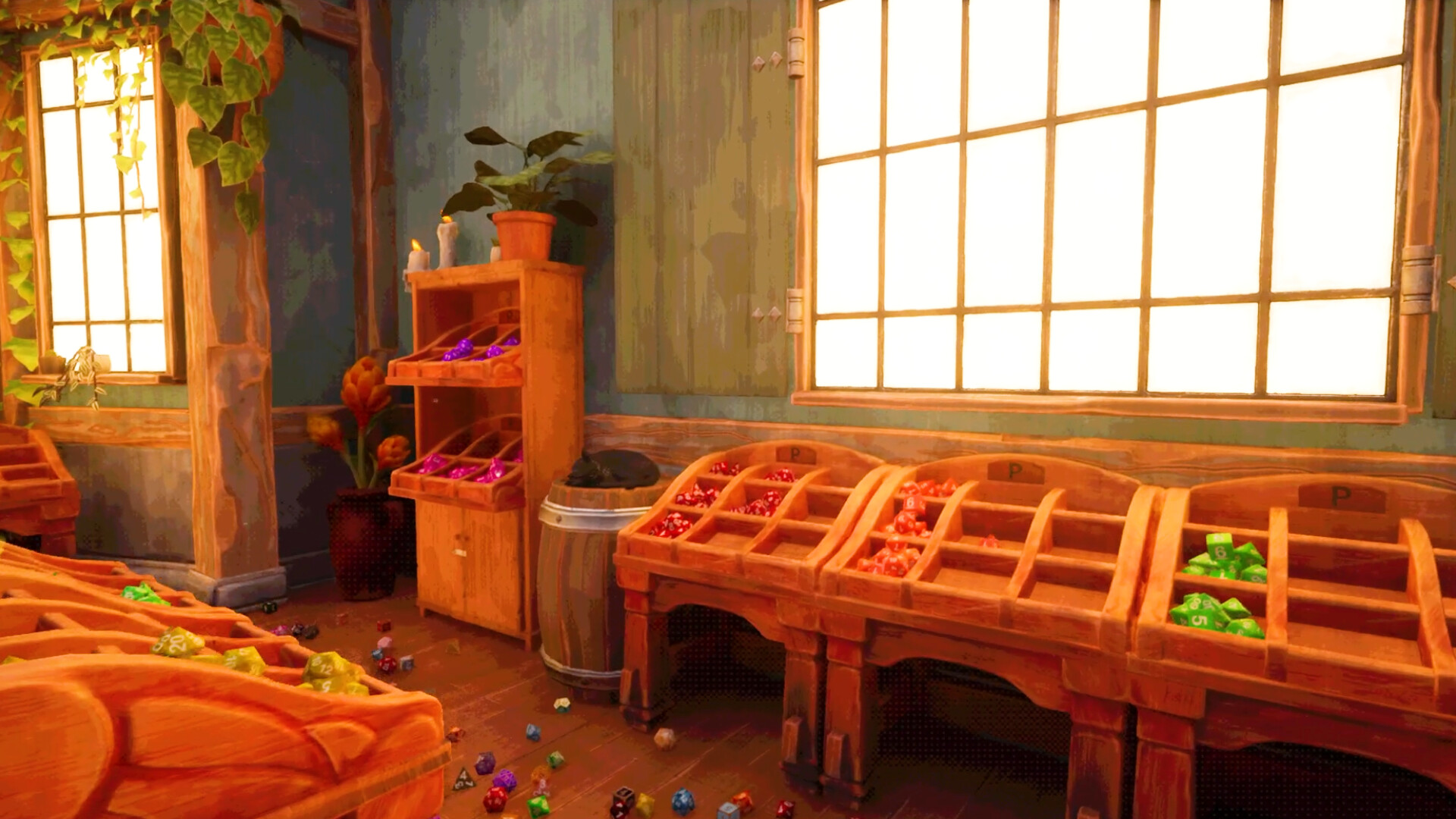
Read together, those switches describe the game’s actual risks. A first-person shop where you spend hours looking down at small objects on a floor is a recipe for motion discomfort, so head bob defaults to off and can be turned on; motion blur is a toggle rather than a fixed look; field of view is adjustable. These are the settings a game makes available when it expects long sessions.
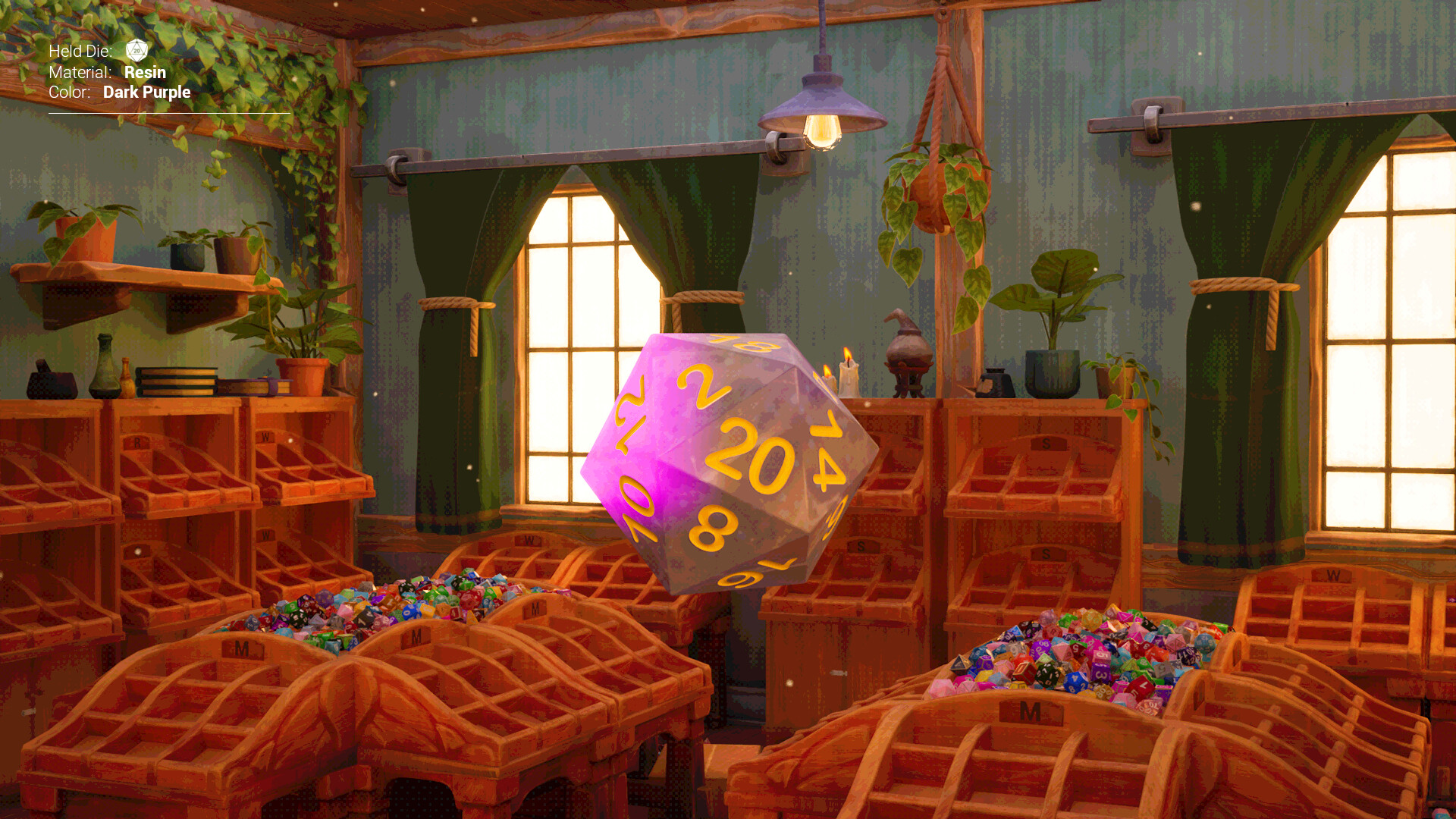
The colour-blind options matter more here than in most games, because the entire matching mechanic runs on colour. A shop where the categories are colour-coded is precisely the shop that needs a non-colour channel, and the identification panel on the left of the screen supplies one: it states the colour and material of the die you are holding in words, so the match can be read rather than seen.
Two options change handling rather than comfort. You can zoom in to make dice larger on screen and easier to pick up — a genuine ergonomic aid for small objects seen at a distance. And you can unlock a crouching ability to get closer to dice on the floor, which is both a comfort feature and a solution to the most common practical complaint in this genre: the piece you need is under a shelf.
The controller story is honest about its limits. The game is designed primarily for mouse and keyboard, and the controller support it ships is built around Xbox pads, with partial rather than full support. If you are choosing an input method, the mouse is the intended one; the pad is the supported alternative, not a parity option.
The simplified UI toggle and the dice-rotation toggle are the two most quietly useful entries on the list. A simplified interface removes clutter from a screen whose whole job is helping you see small things, and disabling rotation in the inventory stops dice from showing you their wrong face while you are trying to read them. Neither is a headline feature; both are the kind of switch only a developer who plays their own sorting game would think to add.
The options added after launch
Three of the most useful accessibility settings did not ship on day one. They arrived in 1.0.1, two days in.
| Option | What it changes | Where it lives |
|---|---|---|
| Auto-add to inventory | Dice you pick up go straight to your inventory instead of being carried in hand | Accessibility settings |
| Map keybind | Opens the map with a key, instead of only through the shop | Accessibility settings |
| Zoom toggle | Zoom becomes a toggle rather than something you hold down | Accessibility settings |
| Global Illumination off | Turns off GI, which fixes a pitch-black environment on cards that do not fully support the Lumen lighting system | Settings (not accessibility) |
The zoom toggle is the one that changes how the game feels rather than how it looks. Zoom makes dice larger on screen so they are easier to pick up, but holding a zoom key while also aiming at a small object on the floor is exactly the kind of sustained posture that makes long sessions uncomfortable. Toggling it removes the hold.
Auto-add to inventory is quietly a sorting aid as much as an accessibility feature: it lets you sweep a cluster into the inventory and read the identification labels there, instead of carrying one die at a time to a shelf.
Colour-blindness is the option that matters most here
The entire matching mechanic runs on colour, which makes a colour channel that is not the eyes the core of the design.
Most games can treat a colour-blind mode as an accommodation bolted onto an otherwise visual interface. Dice Hoarder cannot, because colour is the mechanic. What the game does instead is supply a second channel in the interface: the panel on the left states the colour and material of the held or selected die in words, so the match can be read rather than seen. The colour-blind options tune the world; the panel is what makes the rule playable without it.
Worth knowing if you are setting up for someone else: the graded comfort settings — field of view, head bob off by default, motion blur toggle, inverted controls, simplified UI, dice rotation in the inventory — are all in the launch build and all documented by the developer, not discovered by players afterwards.
Quick answers
Can I play without holding a zoom key?
Yes, since 1.0.1. Zoom can be set to toggle in the Accessibility settings. On the launch build zoom was a hold.
Is there a colour-blind mode?
The launch announcement lists colour-blind options, and the identification panel supplies a non-colour channel by printing the colour and material of the die in your hand. Between the two you do not have to judge the match by eye.
How it fits the shop
This entry is part of the system & release section of the guide. The launch announcement lists the comfort and accessibility options shipping with the game: adjustable field of view, optional head bob disabled by default, a motion blur toggle, keyboard and controller rebinding, inverted controls, colour-blind options, a simplified UI toggle, and a toggle for dice rotation in your inventory. Two more options change how you handle dice: you can zoom in to make dice larger on screen and easier to pick up, and you can unlock a crouching ability to get closer to dice on the floor.
Where this comes from
Source · tier 1
“Adjustable field of view, optional head bob disabled by default, motion blur toggle, keyboard and controller rebinding, inverted controls, colour-blind options, simplified UI toggle, a toggle for dice rotation in your inventory.”
Source · tier 1
“You can zoom in to make dice larger on screen and easier to pick up. You can also unlock a crouching ability to get closer to dice on the floor.”
Verified 2026-11-16 against game version 1.0.1 — checked on the live Steam build and the developer's own announcements.