The Identification Panel
The label tells you the colour and the material
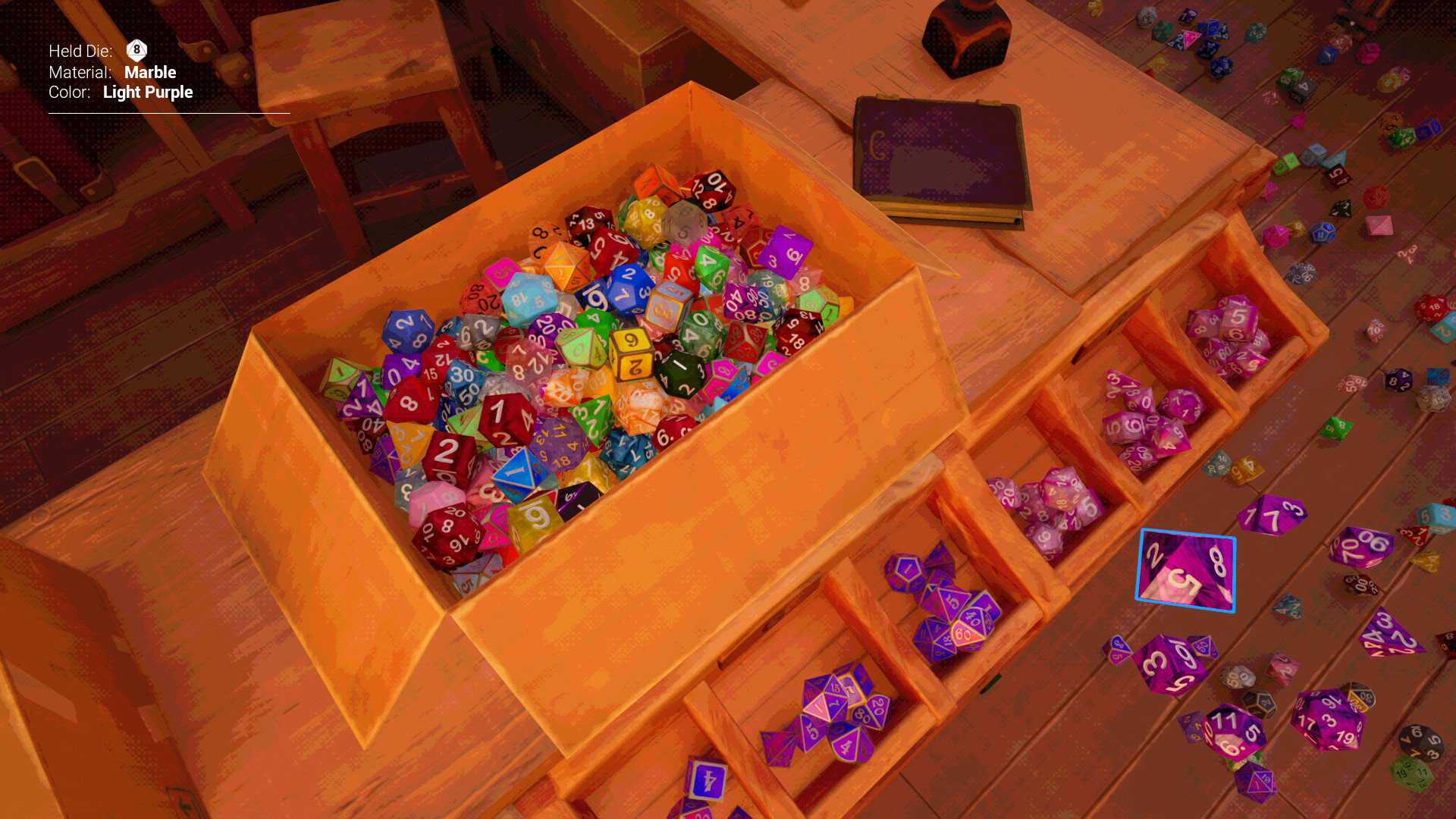
The panel on the left of the screen is the most important piece of interface in Dice Hoarder, and it does one job: it tells you the material and colour of the die you are holding or have selected in your inventory, so you can identify it by reading the label rather than by squinting at the finish.
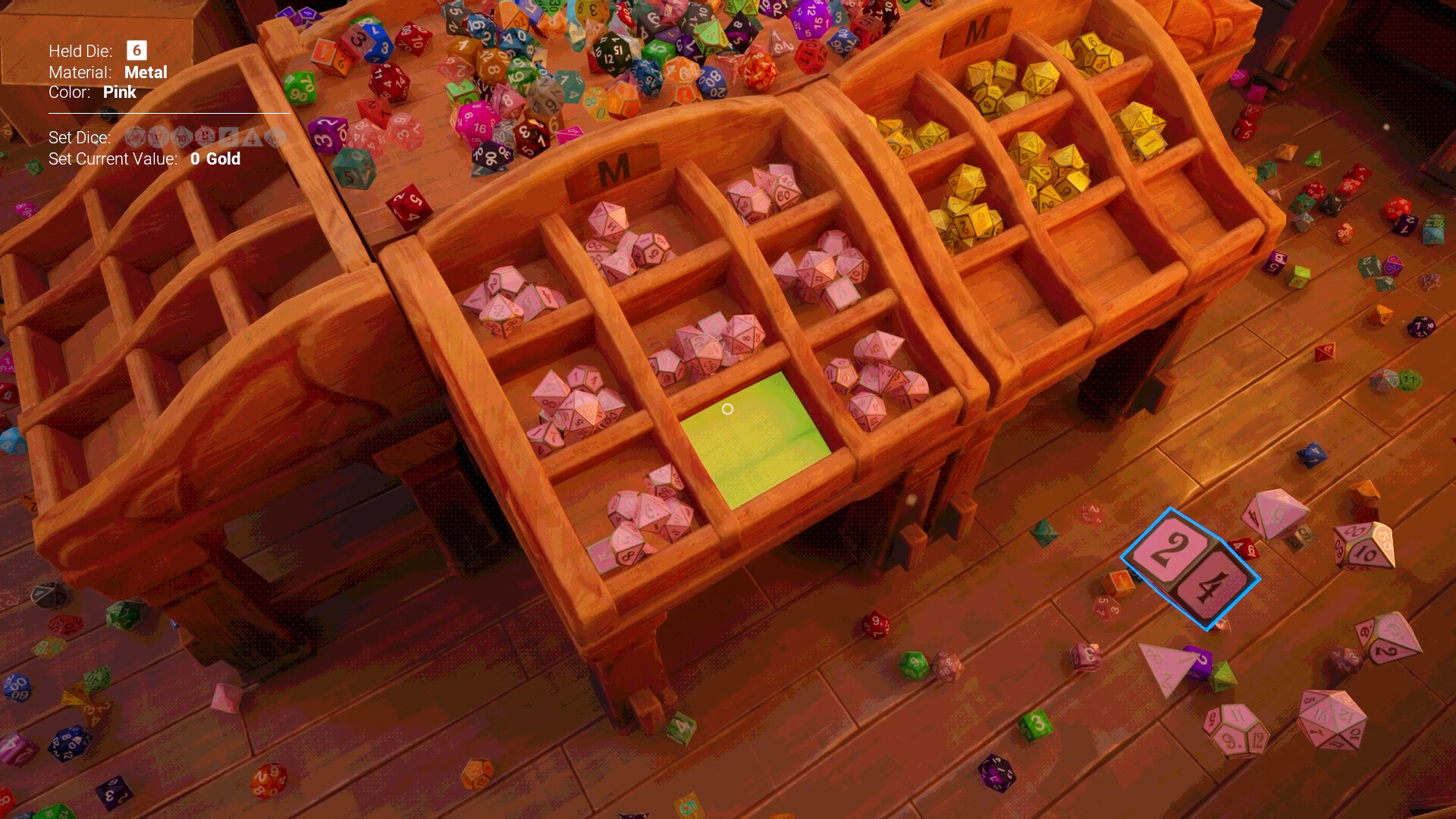
That is a direct answer to the hardest part of the matching rule. Colour is easy — you can see it from across the room. Material is not: two dice can share a colour and differ in finish, and under shop lighting the difference is exactly the kind of detail a player will get wrong a hundred times. Rather than making the material more visible in the world, the game states it in text.
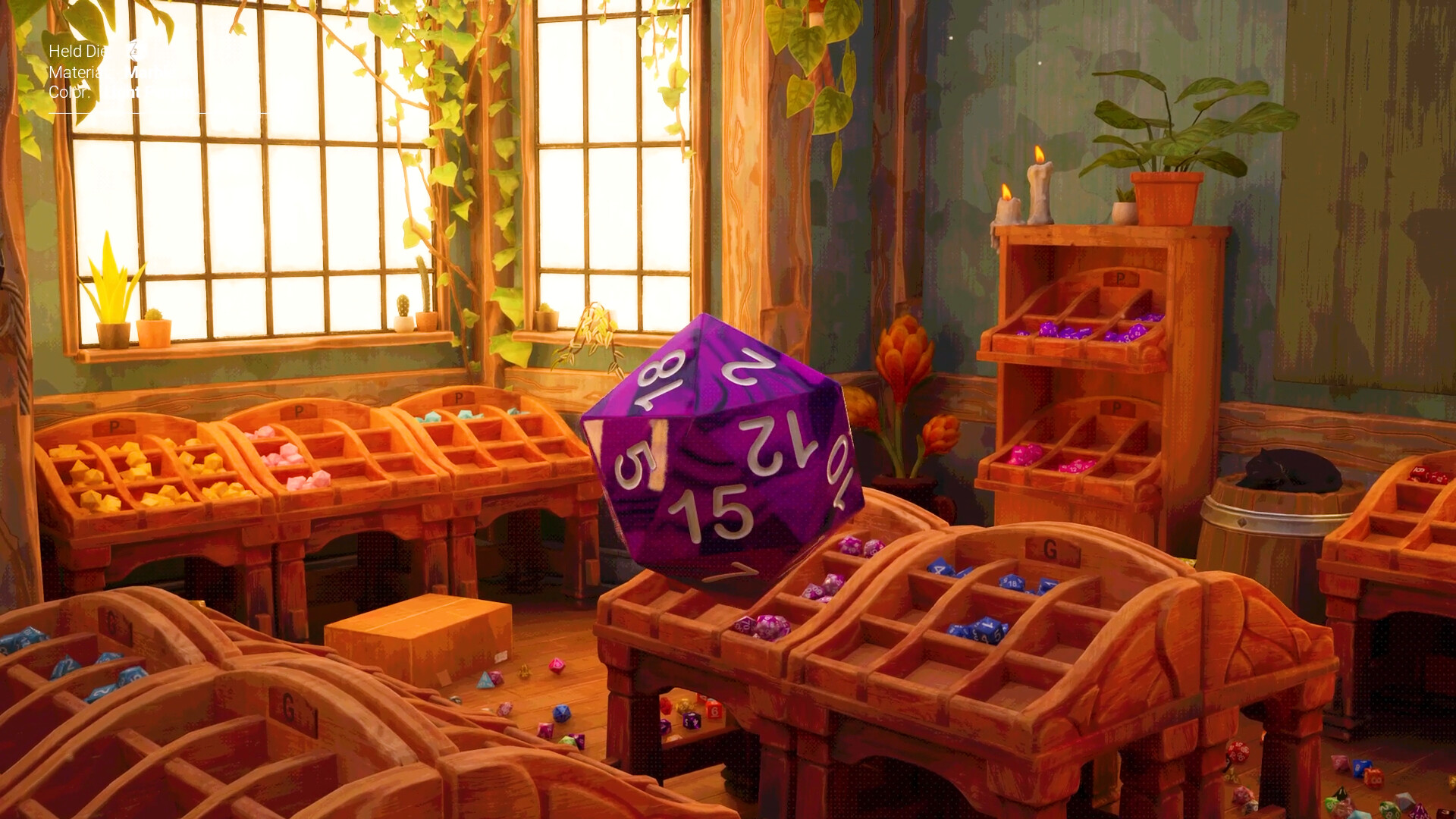
The panel is also what makes the no-spells run practical. Strip out the disks and you still have the panel, so a player refusing every power can still match correctly — they lose the ability to find and fetch dice, not the ability to identify them. The rule stays legible; only the conveniences go.
There is a subtler function too. Because the panel describes whatever is currently selected in your inventory, it doubles as an audit tool: you can walk your inventory reading labels instead of picking dice up one at a time to check them. For a set that is eight pieces deep and one short, that is the difference between a search and a glance.
For new players the habit worth building on day one is to trust the label over the look. Reading the panel before every placement is slower for the first ten dice and much faster for the next four hundred, because it collapses the one decision in the game that the eye is bad at. Everything else in the shop — shape, size, where a piece belongs — you can judge visually. Material is the exception, and the panel exists because it is the exception.
The one habit that fixes most failed sets
Read the label before you place a die, not after a set refuses to close.
Shape, size and which shelf a piece belongs on are all things you can judge by eye. Material is the exception: two dice can share a colour and differ in finish, and under the shop’s warm lighting the difference is exactly the detail players get wrong repeatedly. The panel states it in words, which is why the label should be trusted over the look for that one decision.
The alternative — and what most players do for their first hour — is to place a die, get nothing back, and assume it worked. That failure mode has since been reduced by the 1.0.1 change that makes a wrong display glow red and play a sound. The panel and the glow solve the same problem from two different ends: read before, or be told after.
- Check the label on every die whose finish you would not bet money on.
- Walk your inventory reading labels rather than picking pieces up one at a time to inspect them.
- When a set will not close, re-check the ten-sided pair first — it is the most common wrong-material casualty.
What the panel makes possible
It is the reason a no-spell run is playable at all.
Strip out every floppy-disk power and you still keep the panel. A player refusing all the disks therefore loses the ability to find and fetch dice, but not the ability to identify them: the matching rule stays legible, and only the shortcuts go. That is what makes No Magic, No Problem a design statement rather than a handicap mode.
It also explains why the colour-blind options can be modest. If colour is the mechanic, no palette filter fully solves it — but a panel that prints the colour and the material in text gives the match a channel that never depended on the eyes in the first place.
Quick answers
What does the identification panel show?
The material and colour of the die you are holding or have selected in your inventory, as text. It is the game’s answer to the one part of the match that is hard to judge visually.
Does the panel still work without any skills unlocked?
Yes. It is interface, not a disk power, which is why a no-spell run can still match correctly — the powers remove search and travel, not identification.
How it fits the shop
This entry is part of the system & release section of the guide. A panel on the left of the screen shows the material and colour of whichever die you are holding or have selected in your inventory. That panel is the answer to the central problem of the game: colour is easy to see and material is not, so the interface reads the harder half of the match out instead of leaving you to squint at a finish under shop lighting.
Where this comes from
Source · tier 1
“The panel on the left of the screen shows the material and colour of the die you are holding or have selected in your inventory, so you can identify it by reading the label.”
Source · tier 2
“Match dice by both colour and material to maximize their stock value.”
Verified 2026-11-16 against game version 1.0.1 — checked on the live Steam build and the developer's own announcements.